 Flowcraft
Watch the walkthrough
Step 1
Tell the Creative Director your idea
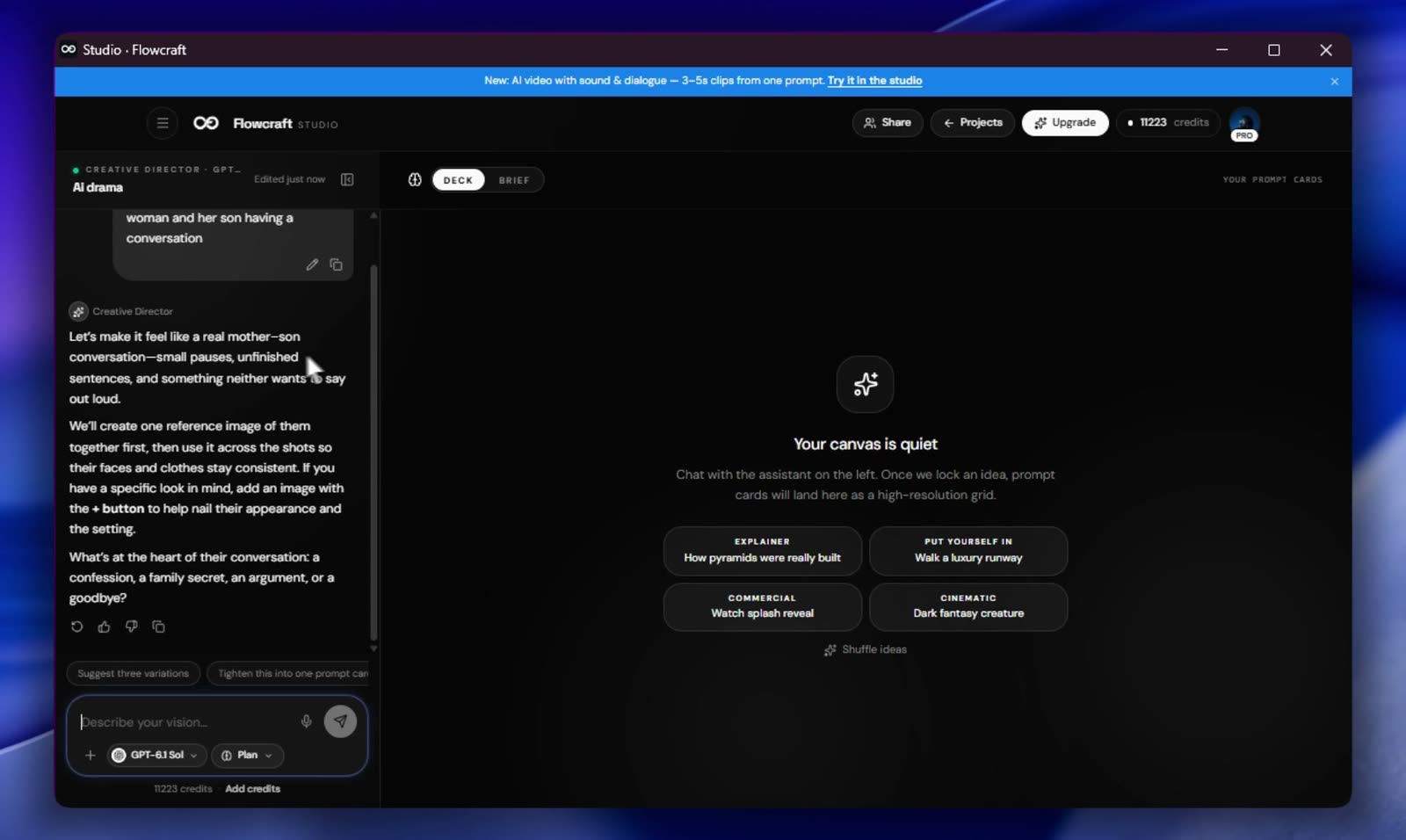
Start a new project and describe the story in plain words. The Director asks what the conversation is about and suggests how to keep the characters consistent.
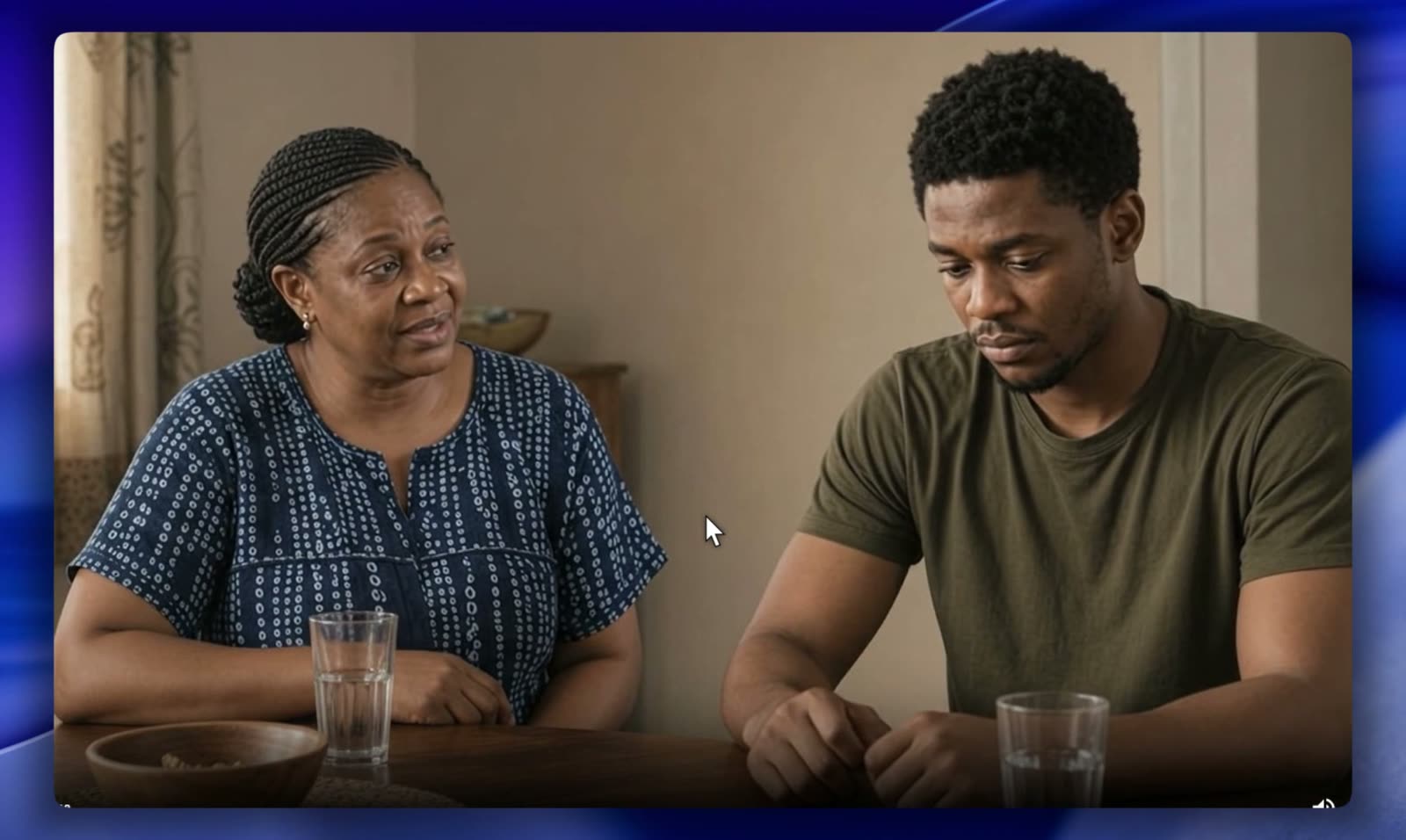
“I want to create an AI drama of a woman and her son having a conversation.”
Tip: Tell it you want separate portraits of each character first. A clean, single-person portrait makes the best reference.
Step 2
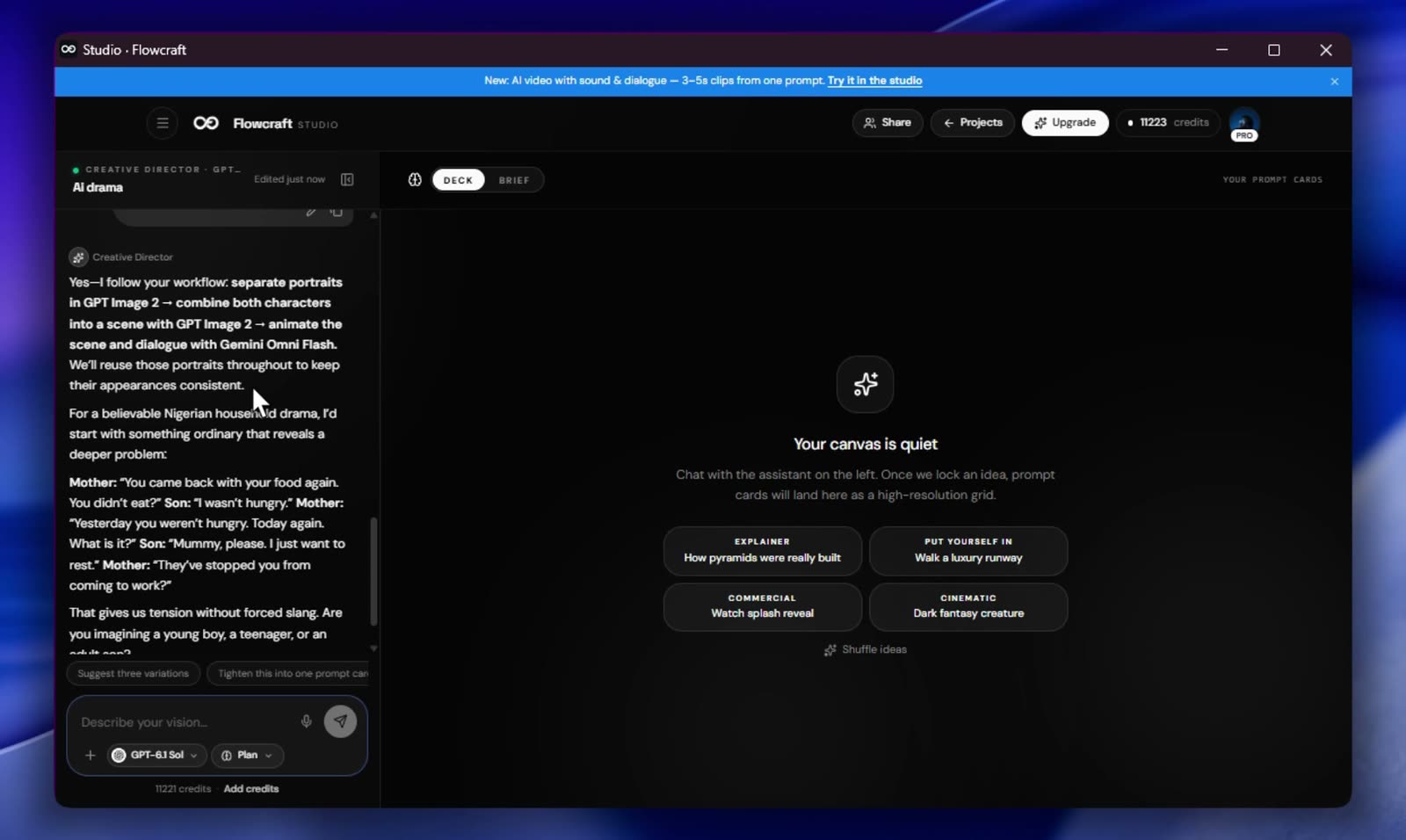
Agree the plan
Explain the workflow you want. The Director confirms it: make a portrait of each character with GPT Image 2, combine both into one scene image, then animate the scene and dialogue with Gemini Omni Flash. It also drafts the dialogue for you.
Tip: Start with one scene. Check that it works before you plan the rest.
Step 3
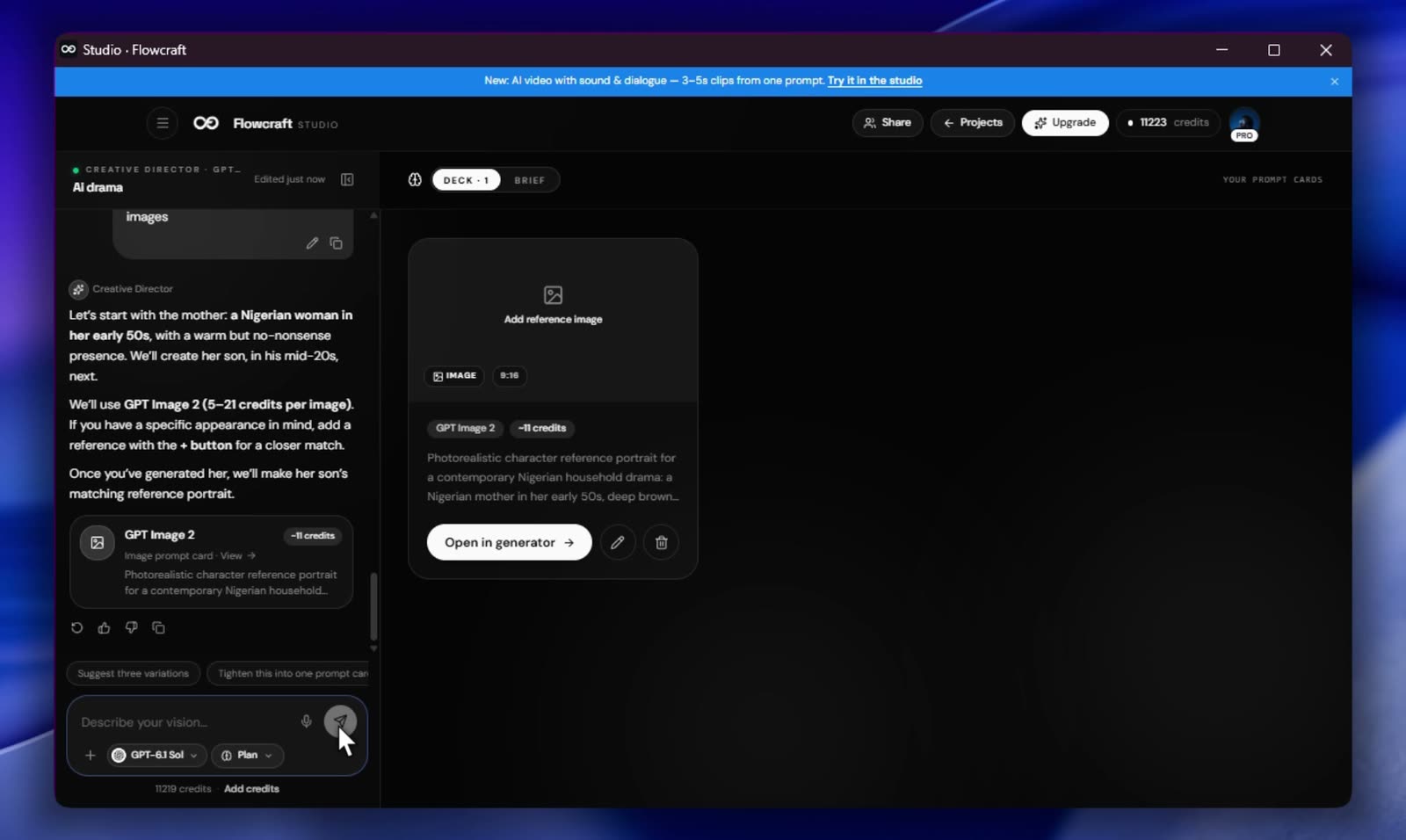
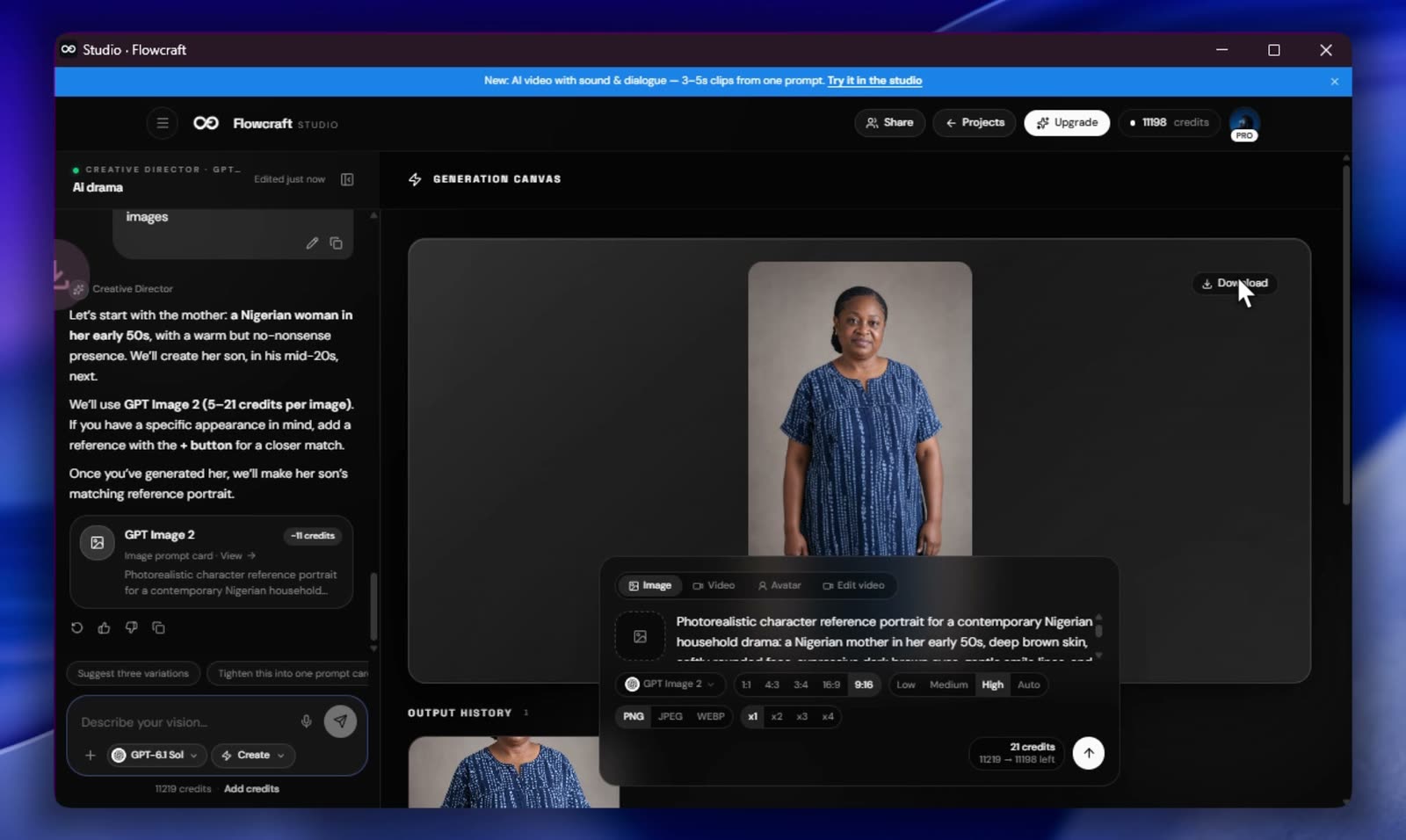
Create your first character
The Director gives you a prompt card for the first character. Click Open in generator, check the settings and press Generate. Regenerate until the face is right, because this face will appear in every scene.
Step 4
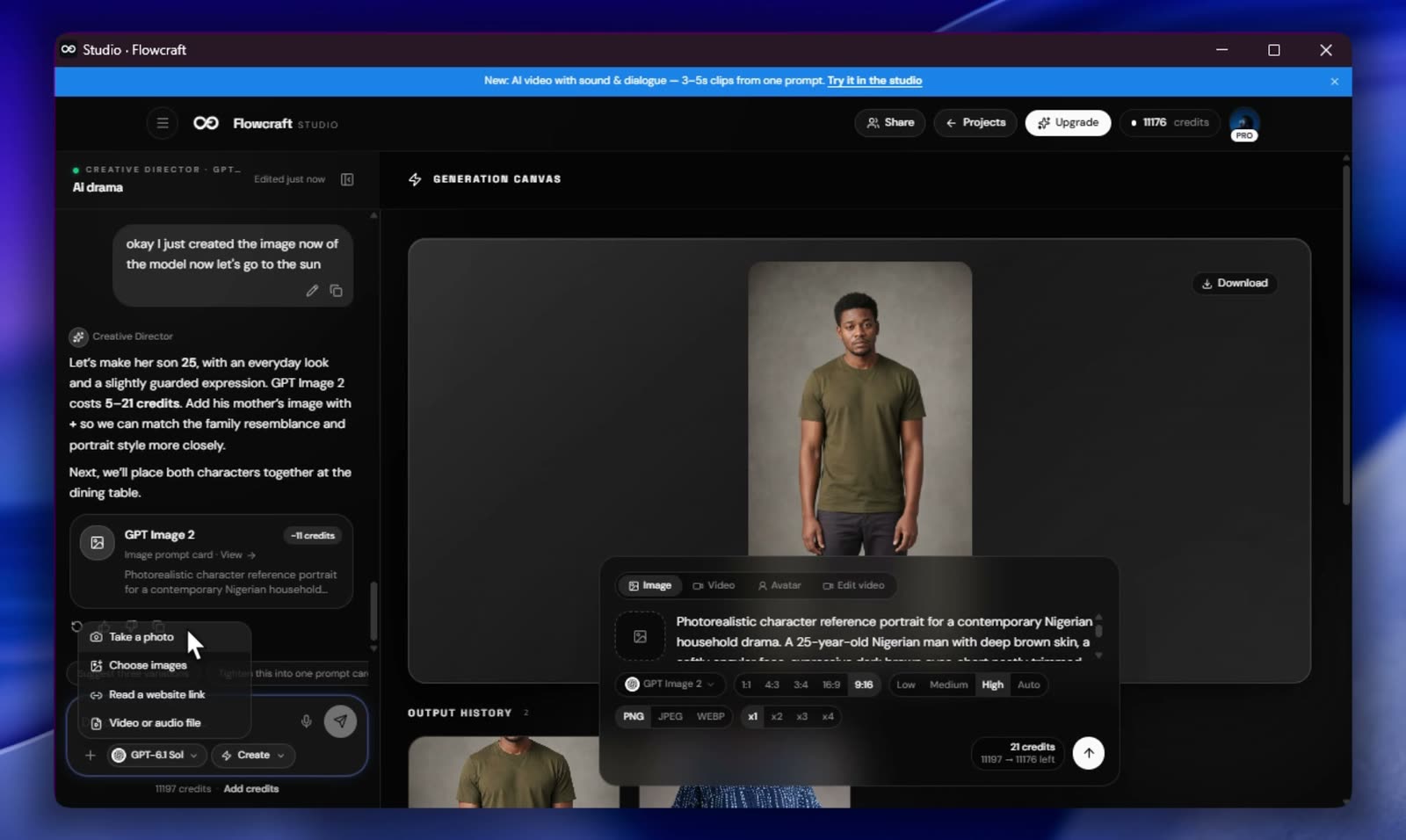
Create the second character
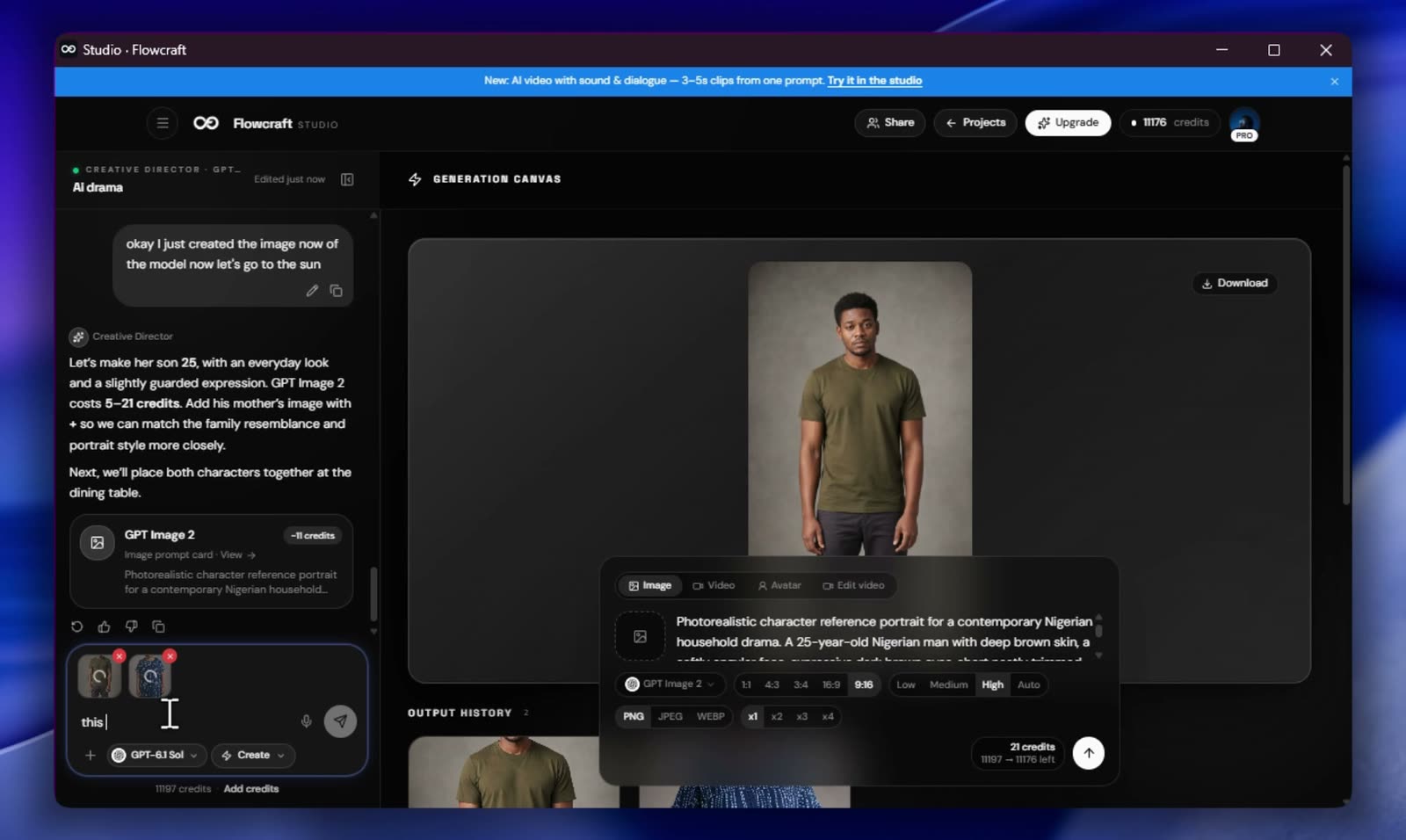
Ask for the next character. For a family drama, attach the first portrait with the + button so the Director can match the family resemblance.
Step 5
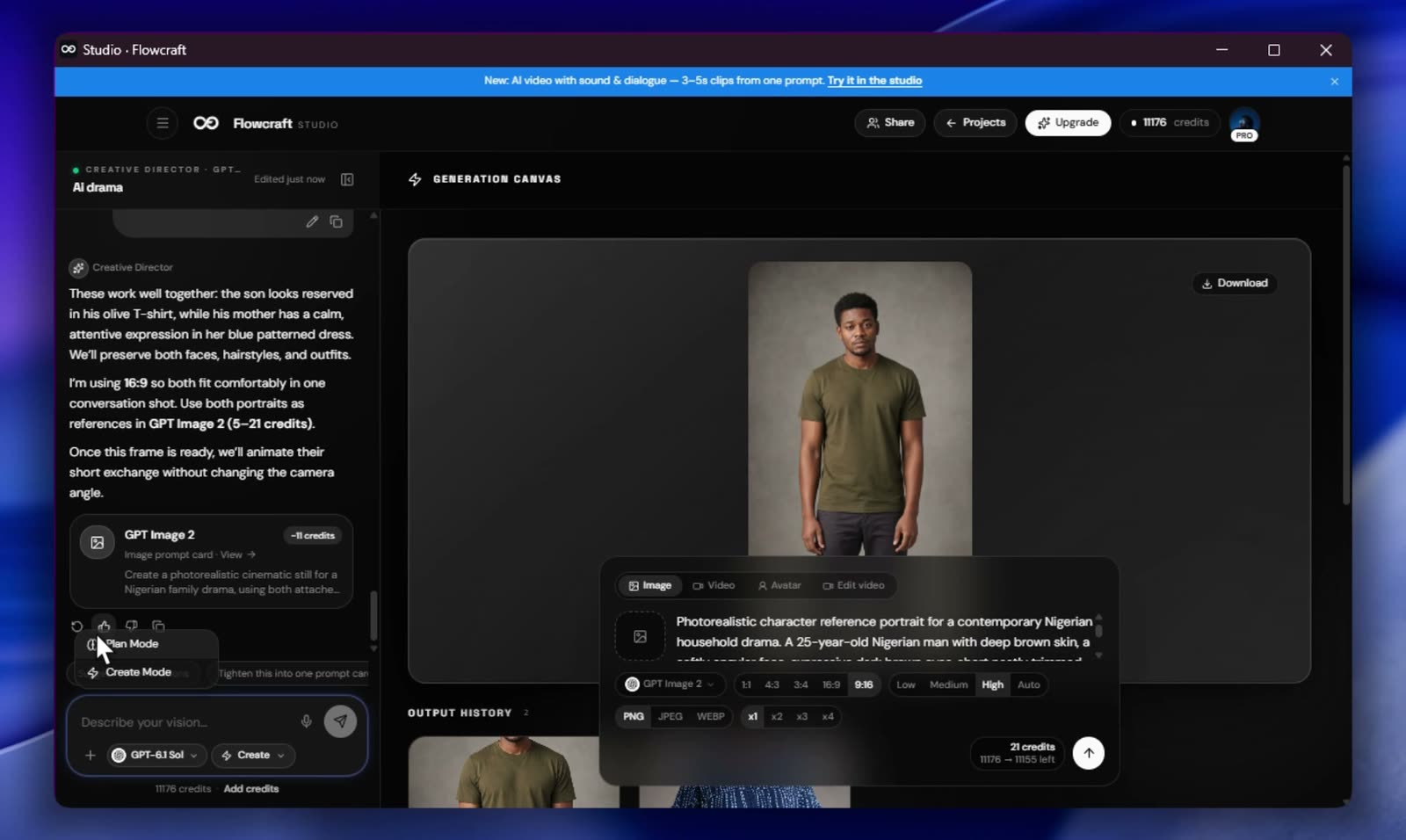
Put both characters in one scene
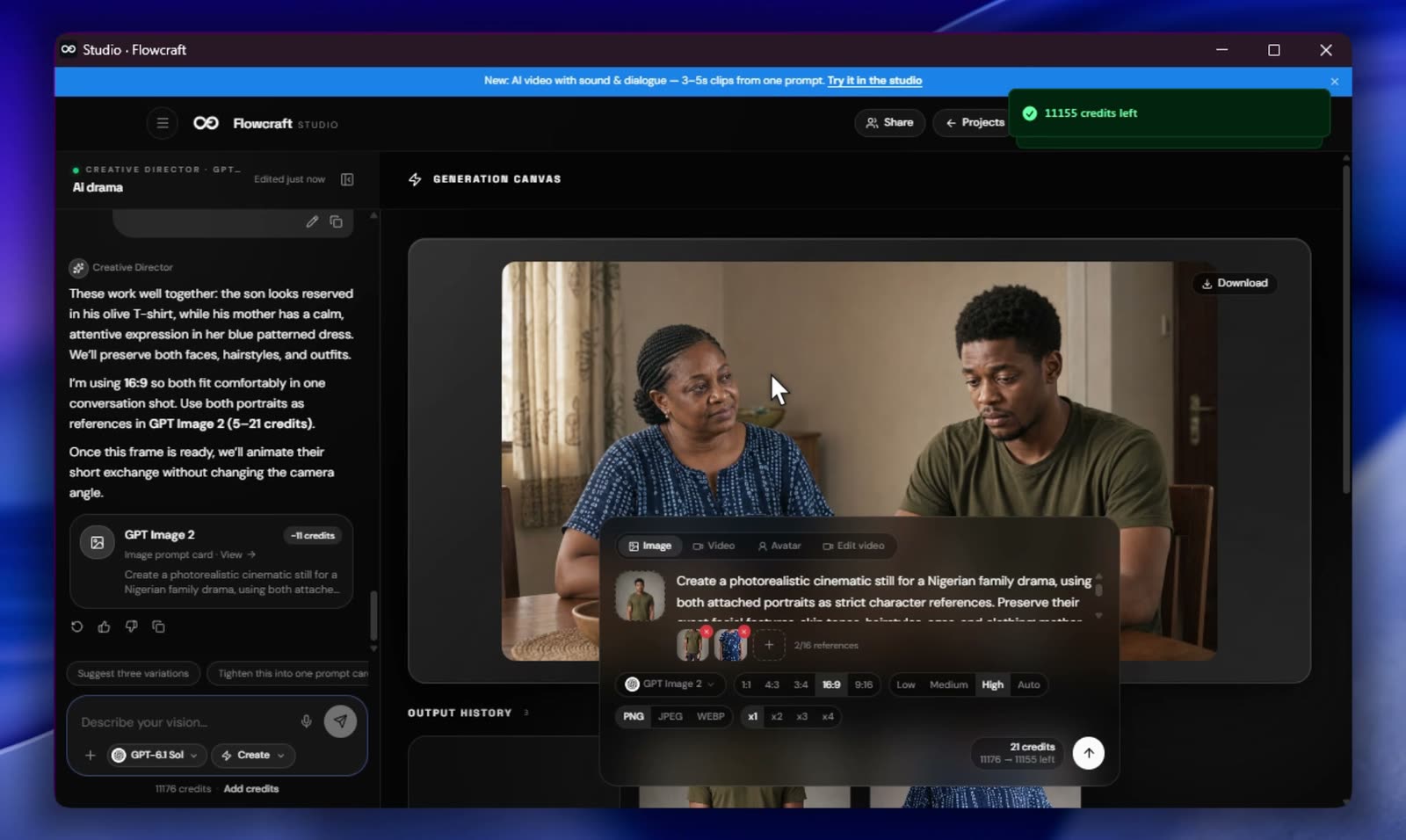
Attach both portraits with + and ask for the scene. The Director writes a scene card that uses both portraits as strict references, so the faces, hair and outfits stay the same.
Why this step matters
Gemini Omni Flash starts from a single image. Putting both characters into one scene still is how both faces reach the video.
Step 6
Write the dialogue
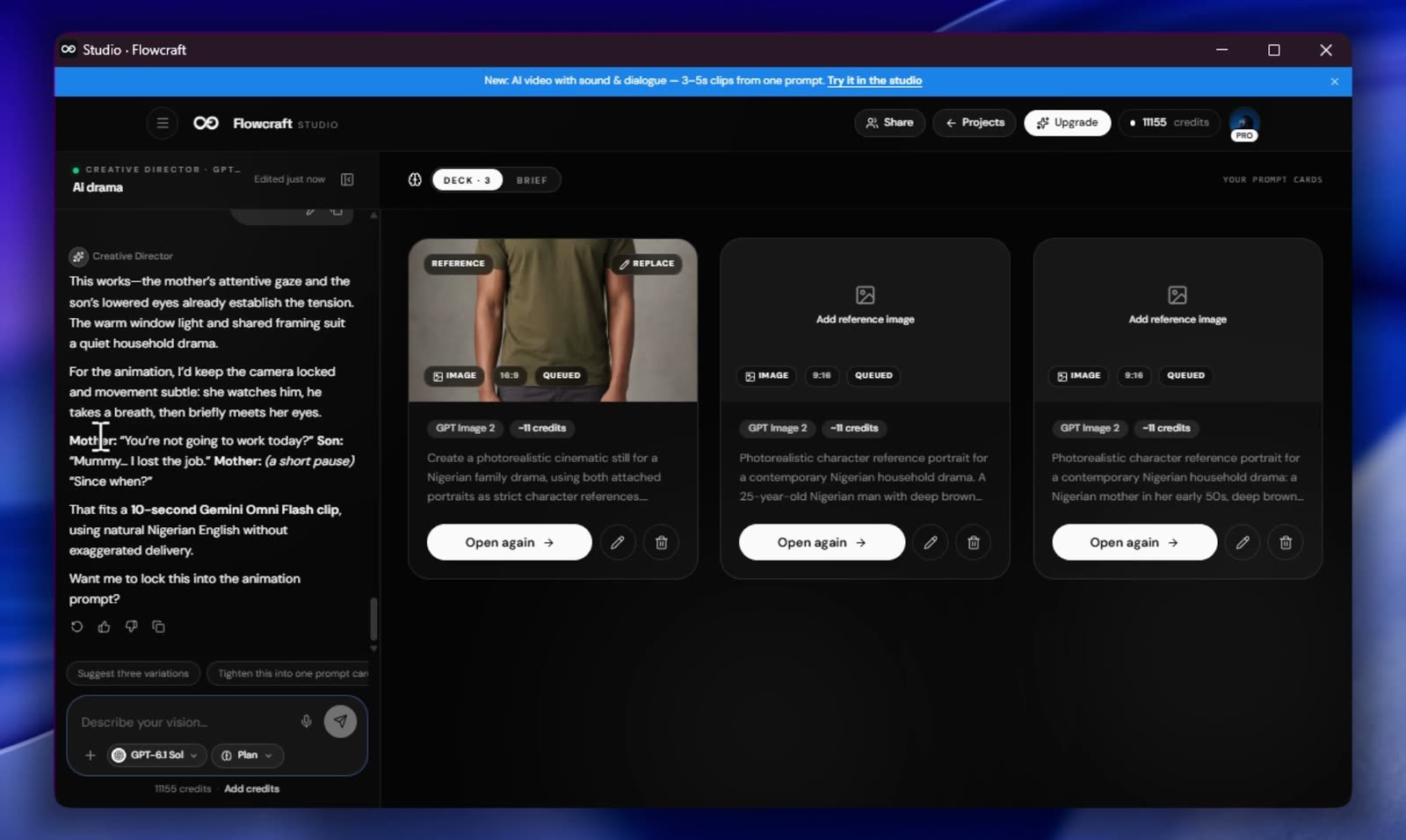
Attach the scene image and ask for the animation. The Director writes the lines, who says them, and how the camera should move.
Mother: “You're not going to work today?” Son: “Mummy… I lost the job.” Mother: (a short pause) “Since when?”
Tip: Keep it to 2–3 short lines for a 10-second clip. Too many lines sound rushed.
Step 7
Animate the scene with Gemini Omni Flash
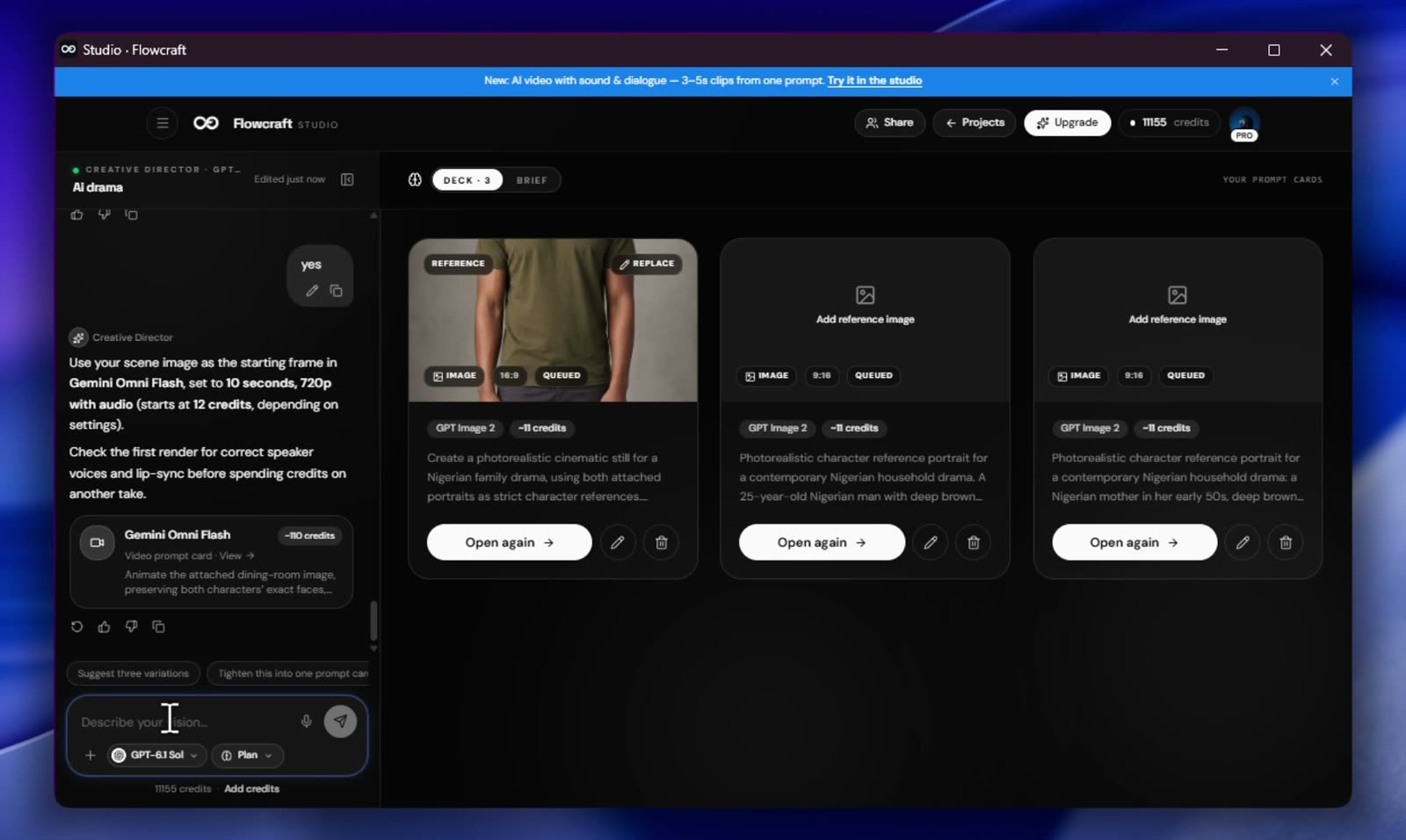
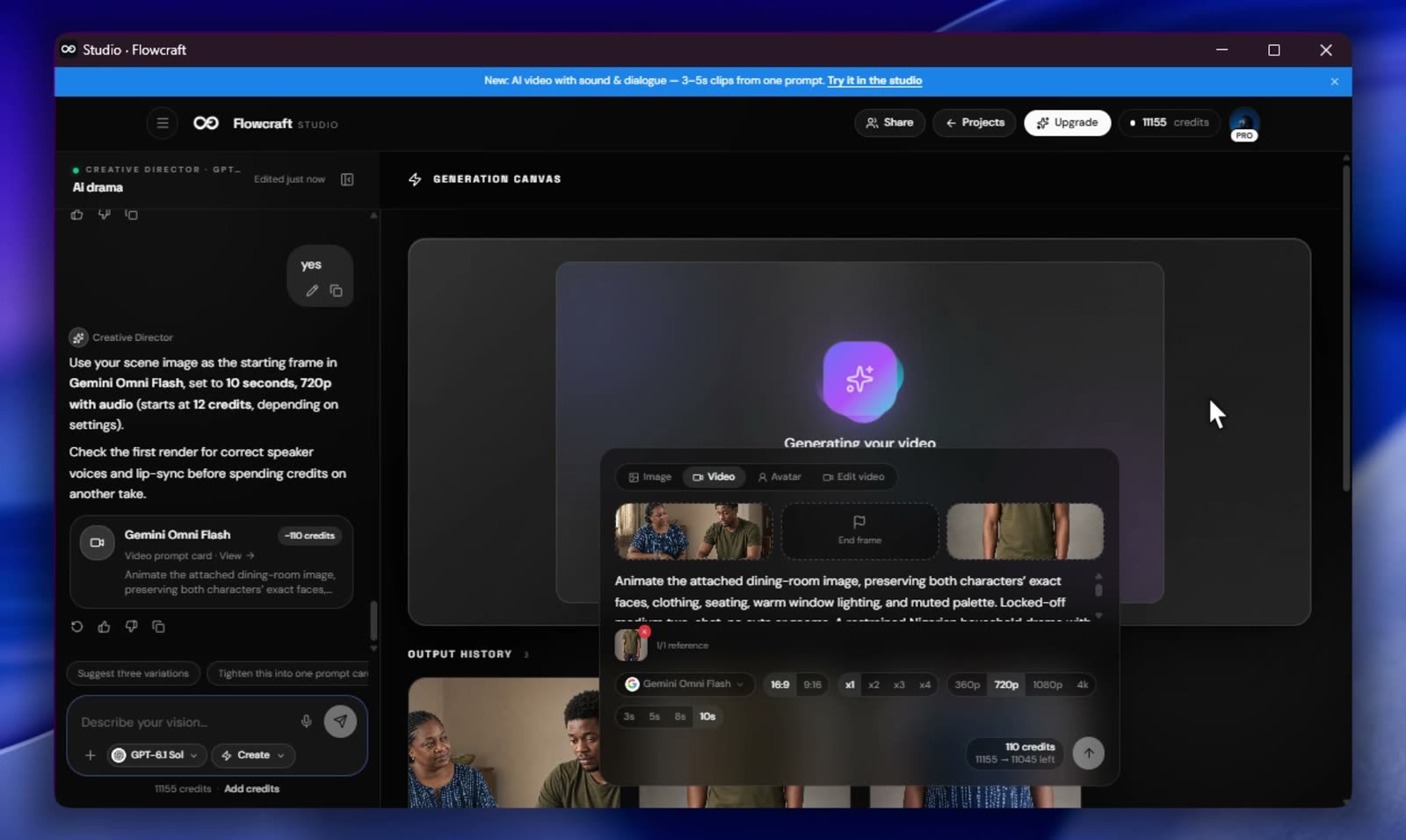
Open the video card in the generator. The scene image becomes the starting frame, and the dialogue is in the prompt. Generate at 720p with audio, then check that each line comes from the right person.
Step 8
Repeat and edit
Make the next scene the same way: a new scene still, then a new video, reusing the same two portraits. Then join the clips in CapCut, add captions and music, and export.
What it costs
| Step | Model | Credits |
|---|---|---|
| Character portrait × 2 | GPT Image 2 | 11–21 each |
| Scene still | GPT Image 2 | 11–21 |
| 10-second video, 720p, with audio | Gemini Omni Flash | About 110 |
| One scene | About 150–175 |
In Naira: top-ups start at ₦2,000 for 50 credits, and bigger packs and monthly plans cost less per credit. The portraits are made once and reused, so each extra scene costs about 120–130 credits: one scene still plus one video.
The Director shows the cost on every card before you generate, so you always know what you'll spend.
Questions
How much does it cost to make an AI drama scene?
About 150–175 credits for your first 10-second scene, including both character portraits. That's roughly ₦5,500–₦7,000 with a top-up, or less on a monthly plan. Each extra scene with the same characters costs about 120–130 credits. New accounts can earn up to 19 free credits, enough to try the Creative Director and make a test image, but not a full scene.
How do I keep AI characters consistent across scenes?
Make one clean portrait of each character first, then use those portraits as references every time you create a scene image. Flowcraft keeps the same faces, hair and clothes.
Can AI make two characters talk to each other?
Yes. Gemini Omni Flash creates video with speech and lip-sync. Write who says each line in the prompt, and keep each clip to a few short lines.
Why make a still image before the video?
Gemini Omni Flash starts from one image. A scene still with both characters is how both faces get into the video, and it lets you fix the look cheaply before paying for video.
How long can each clip be?
Up to 10 seconds with Gemini Omni Flash. For longer stories, make several scenes and join them in an editor.
Do I need to write prompts?
No. Describe your idea, and the Creative Director writes the prompt cards, picks the model and shows the cost.
Can I make Nigerian characters and accents?
Yes. Describe the characters and setting, and ask for Nigerian English. Our example uses a Nigerian family.